(Case study) — EdTech for kids · UI/UX · Tablet app
PrepMySkills
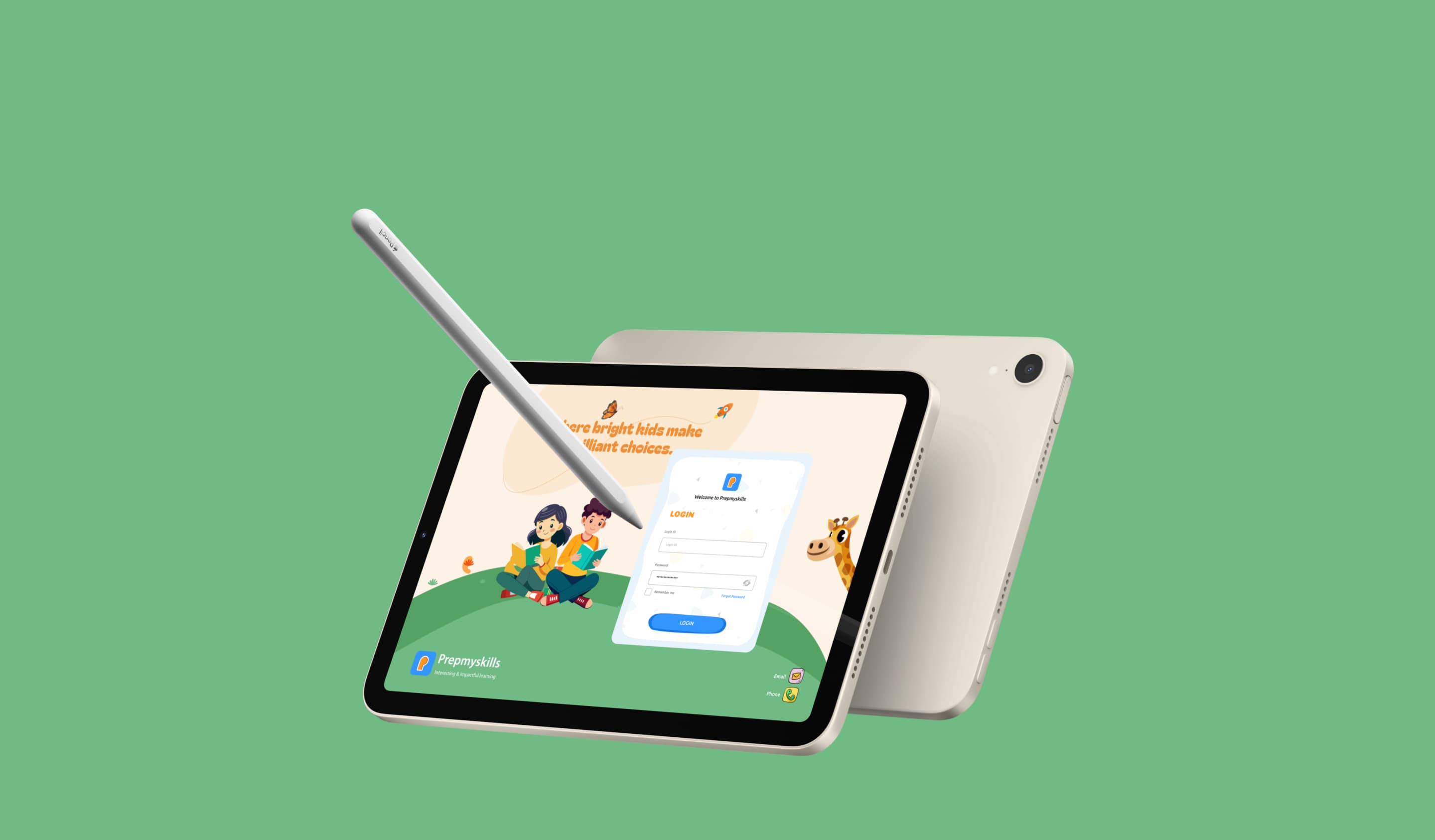
Where bright kids make brilliant choices.
- My role
- UX & interaction design, visual design, user flows, rapid prototyping
- Deliverables
- Component libraries, user interviews, high-fidelity designs
- Team
- Marketers, product managers, web & mobile developers
- Year
- 2024
Prep My Skills is a learning platform that nurtures young minds through engaging, skill-building activities. It turns essentials like spelling into an enjoyable experience by blending guided practice with creative exploration — then extends into interactive maths, language development and memory-boosting exercises, making learning effective and exciting.
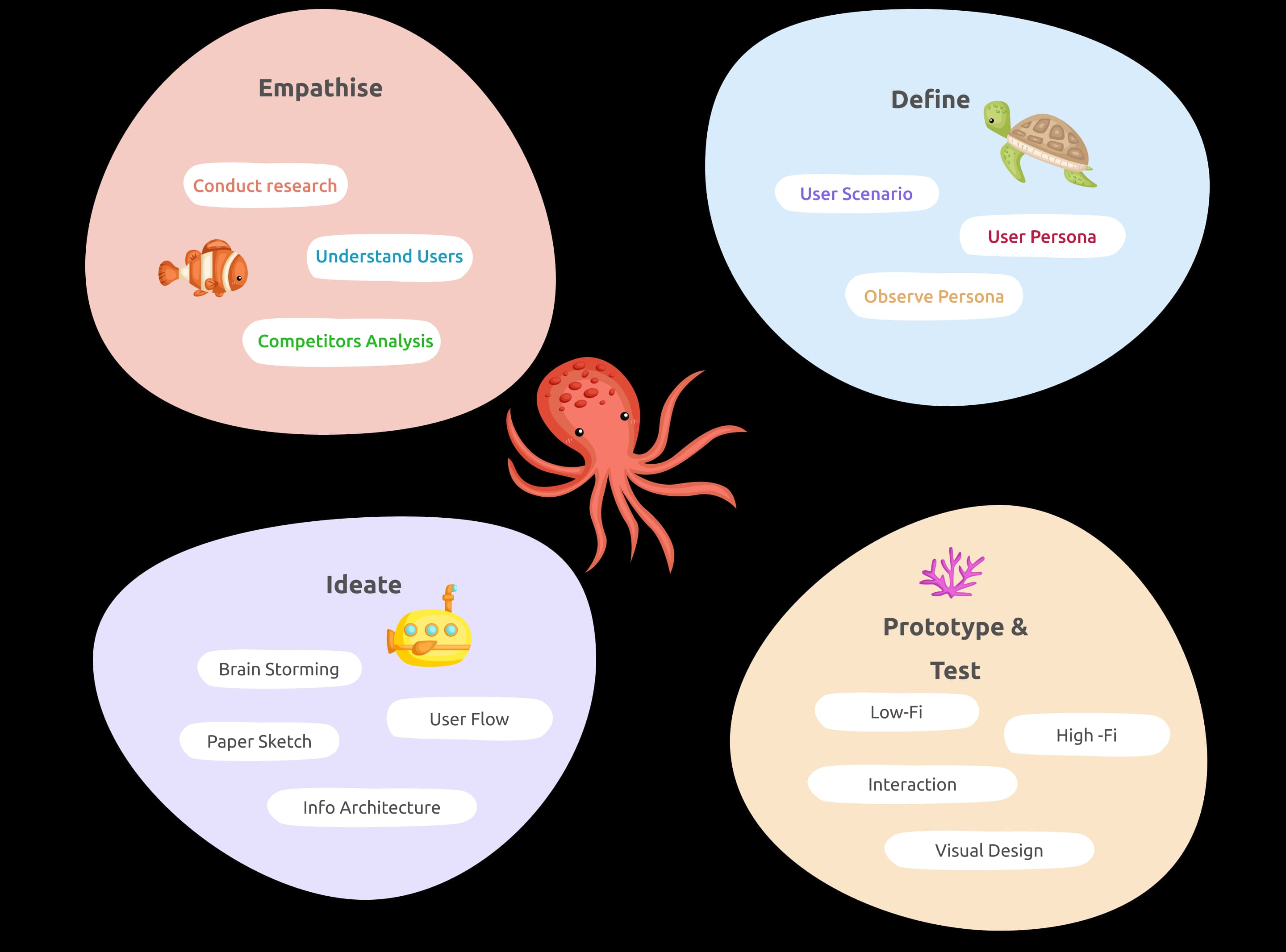
Design process
Design thinking is non-linear and iterative — the way teams come to understand their users.
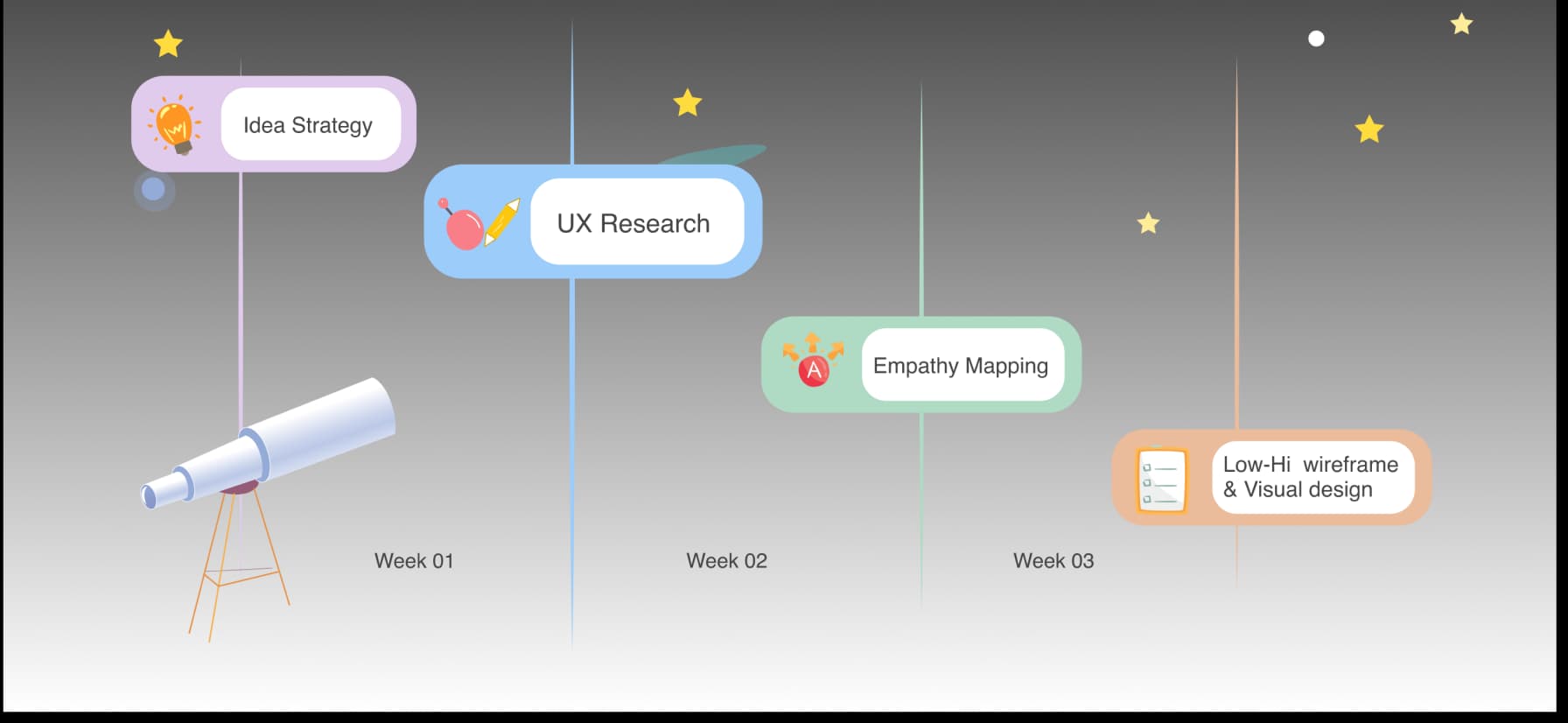
Project timeline
Four weeks from idea to visual design.
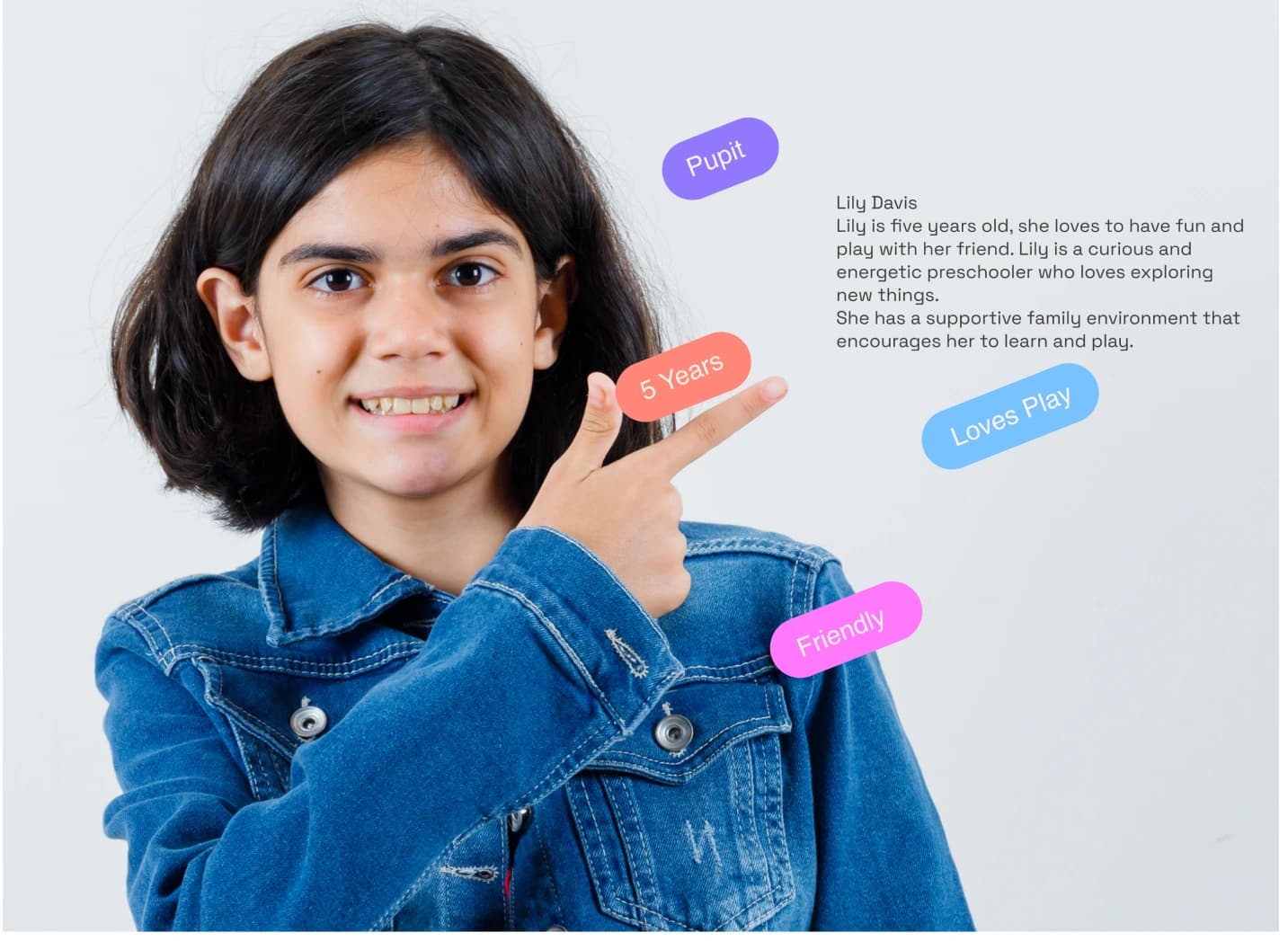
User persona
Who we designed for: a curious, playful preschooler with a family that encourages learning.
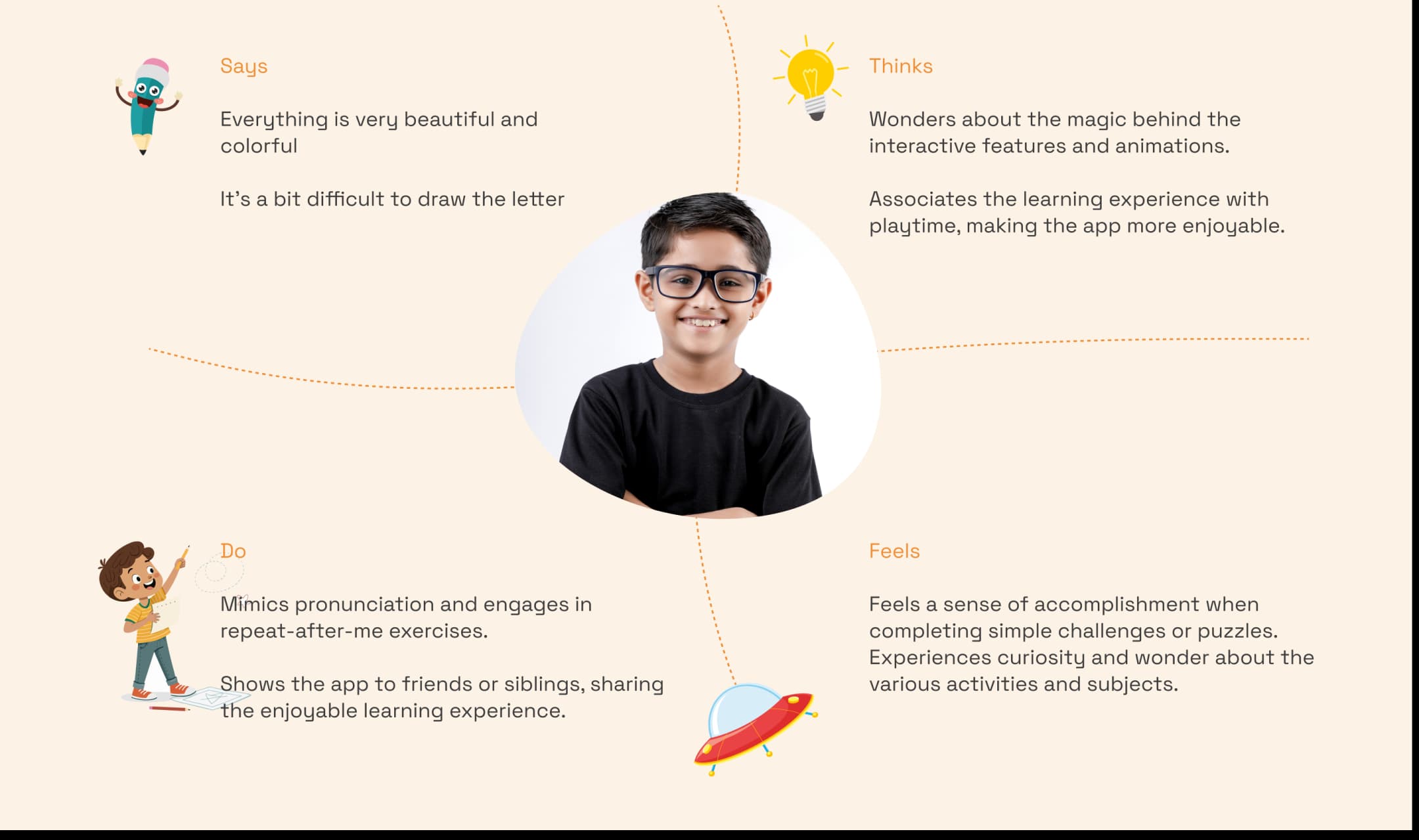
Empathy map
Understanding what young learners say, think, do and feel — to design a more child-centred experience.
Style guide
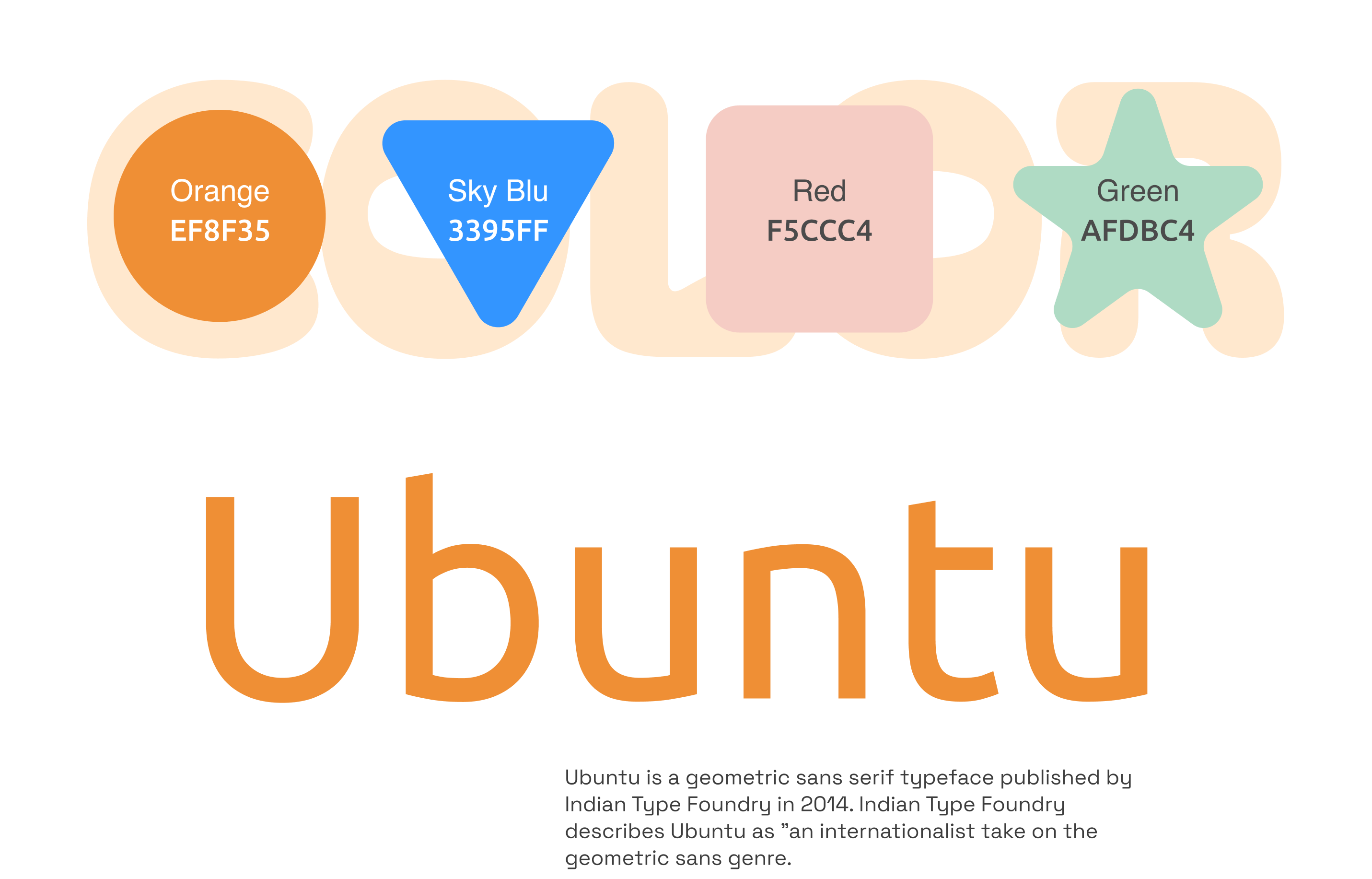
A bright, friendly palette and the Ubuntu typeface — geometric, warm and easy to read for young eyes.
UI components
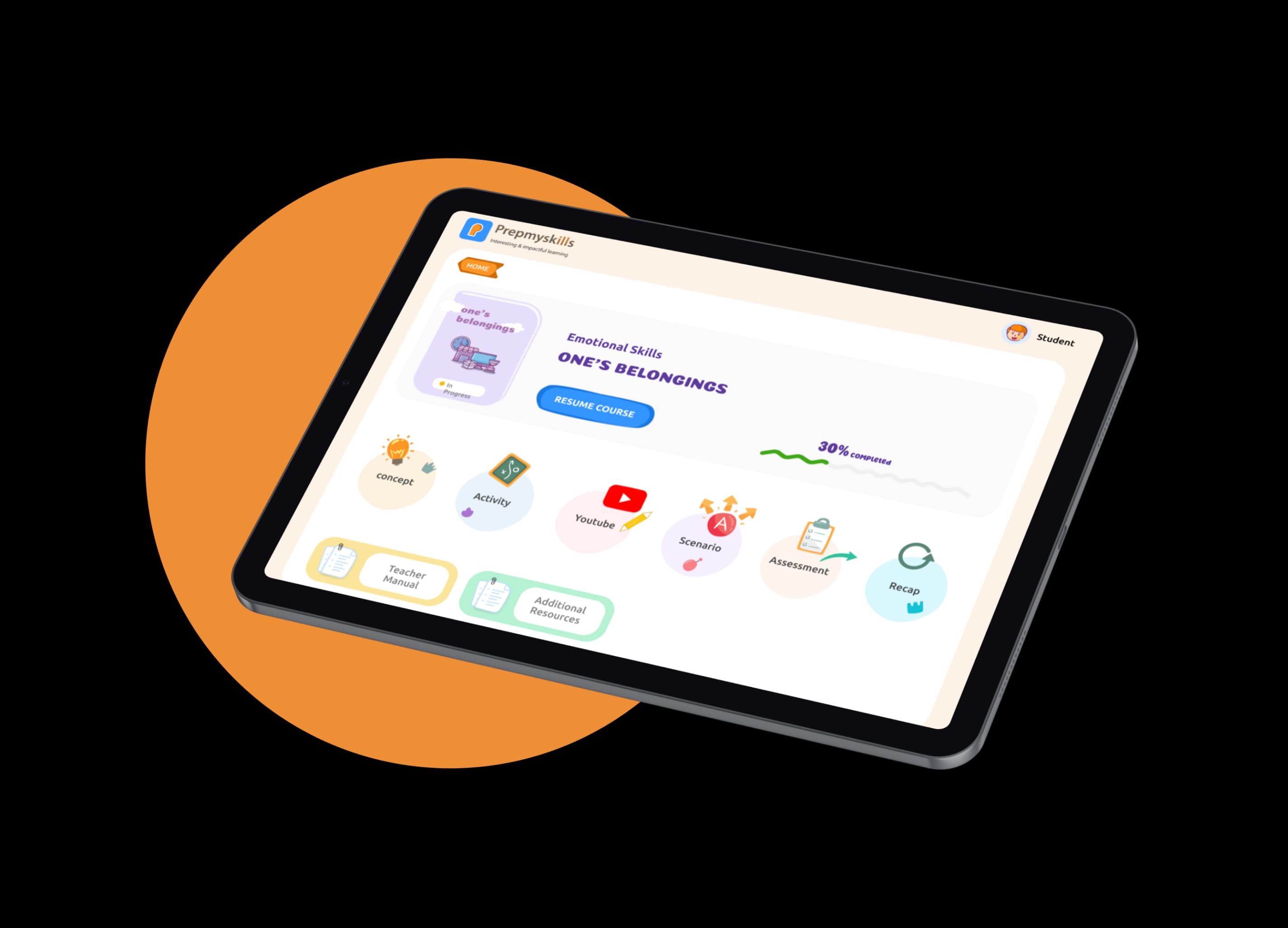
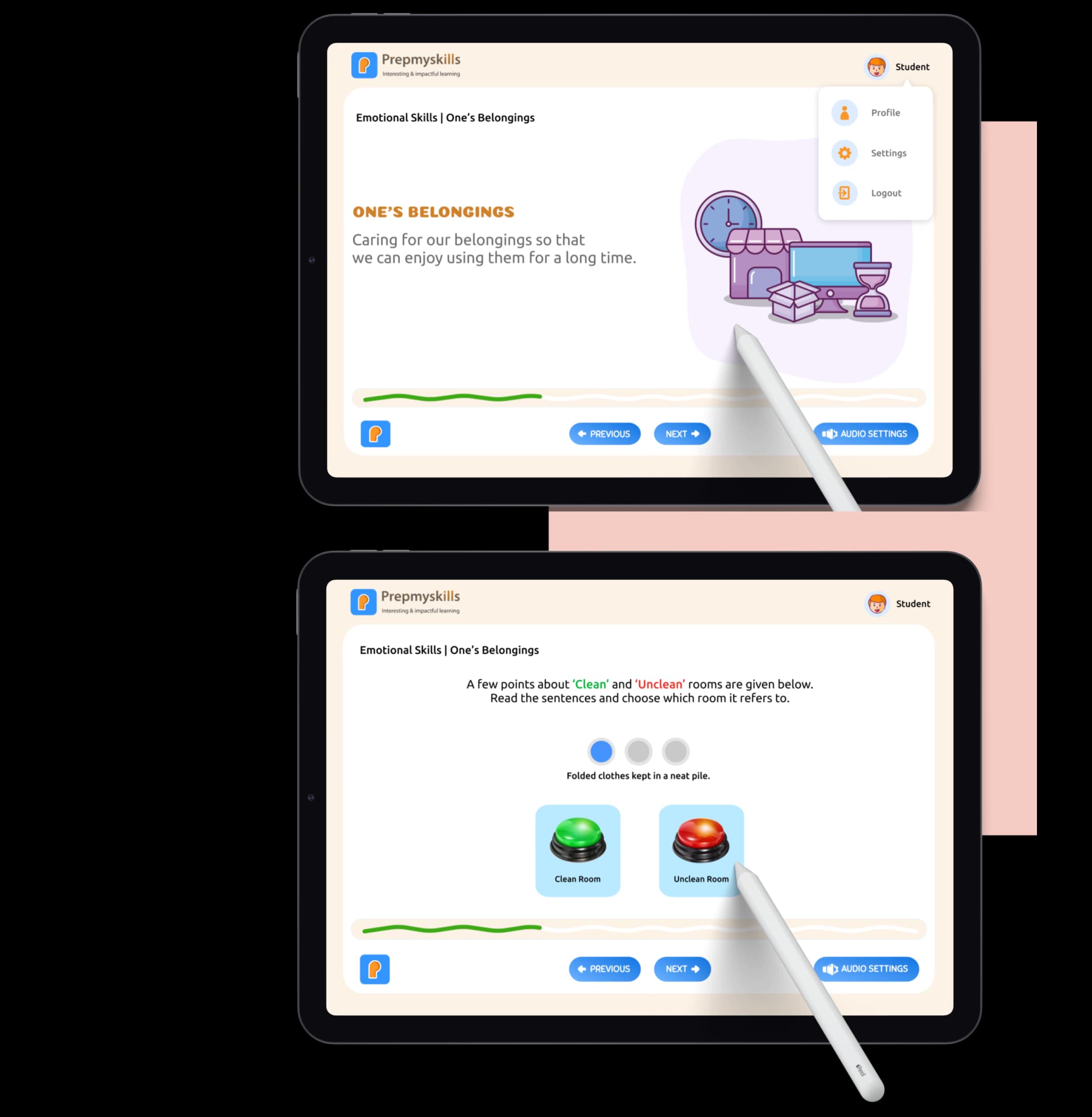
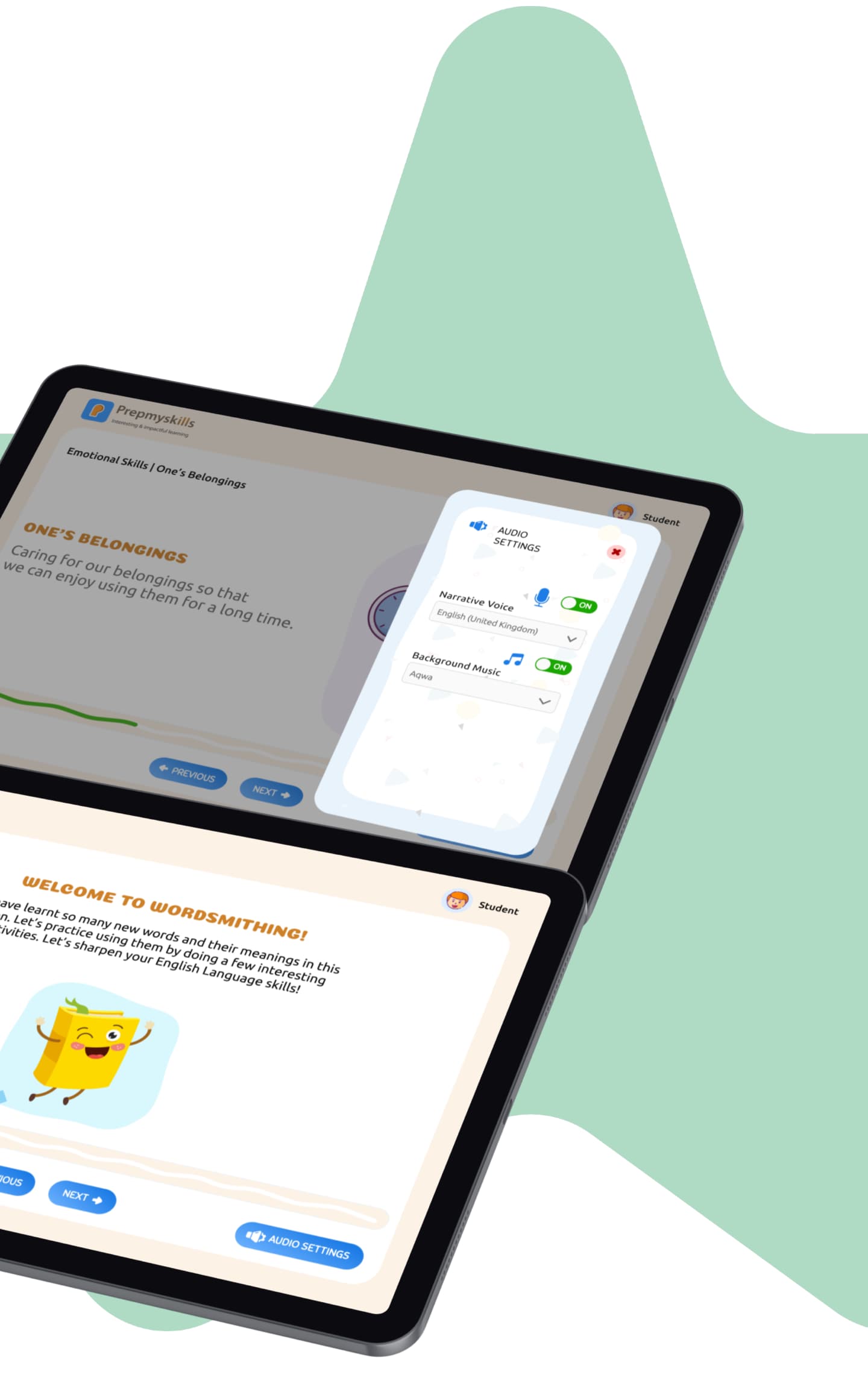
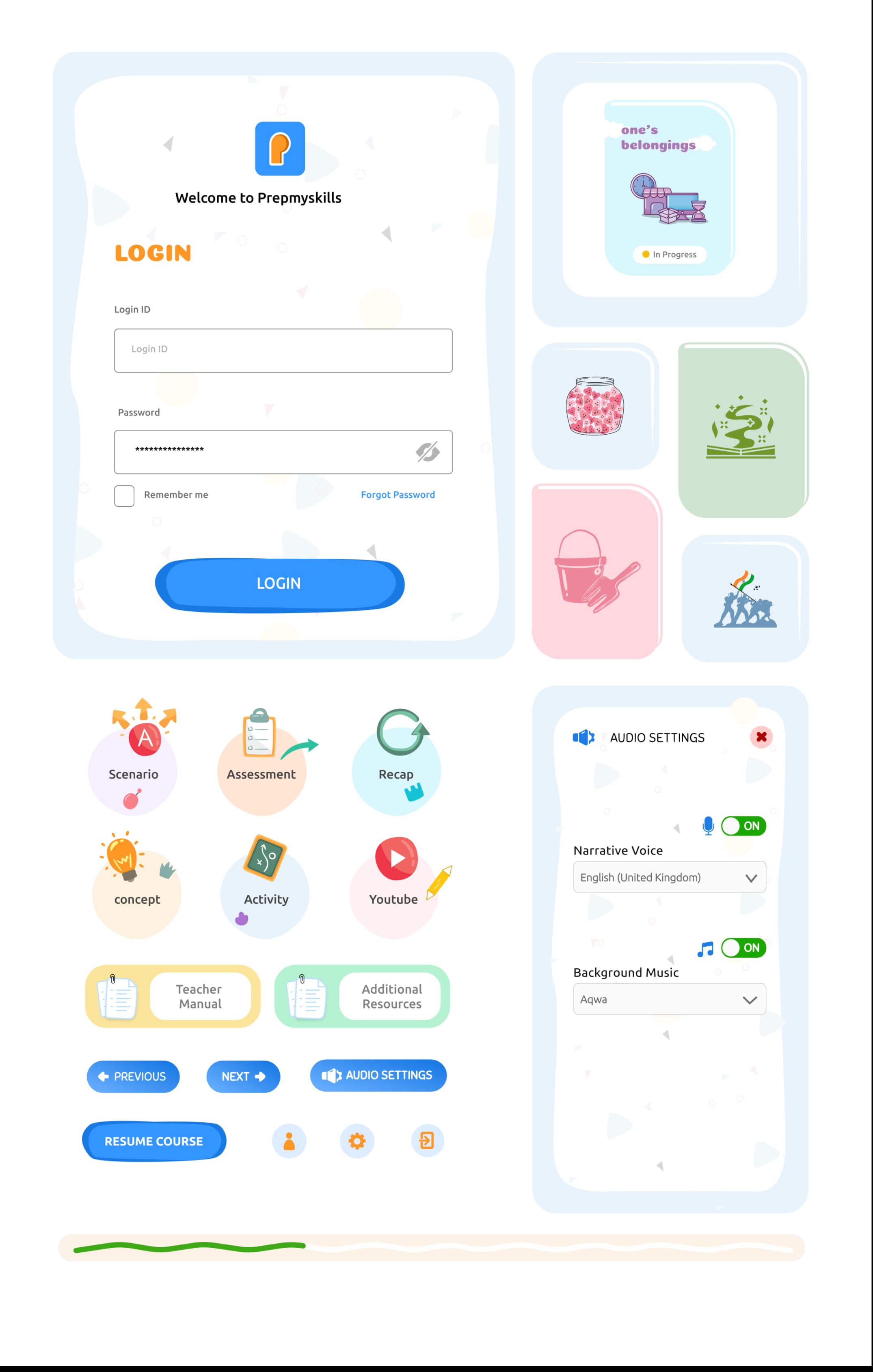
Login, lesson cards, activity bubbles, buttons, audio settings and the progress squiggle.
Interface design
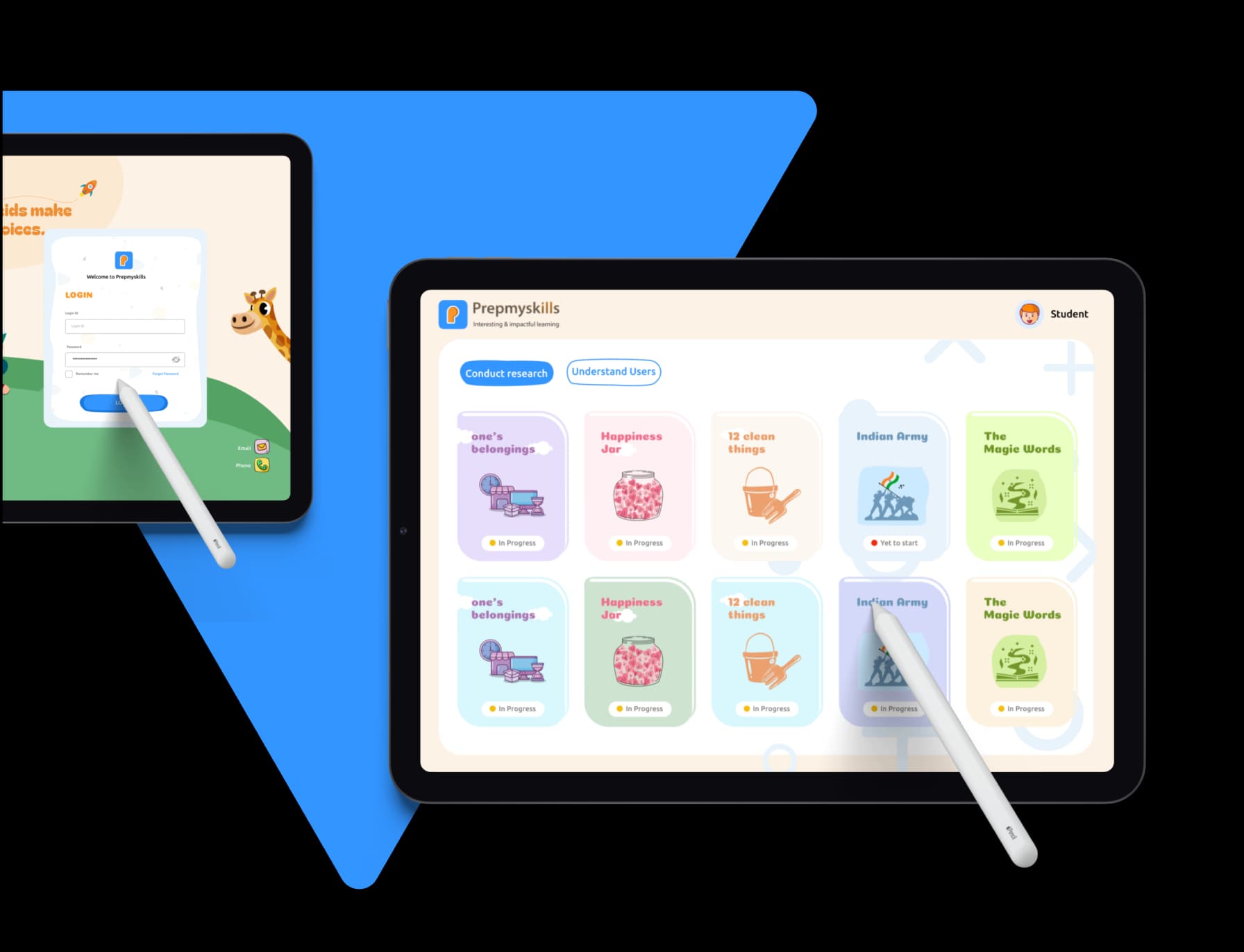
Login and the lesson library on tablet, designed to be tapped and drawn on with a stylus.